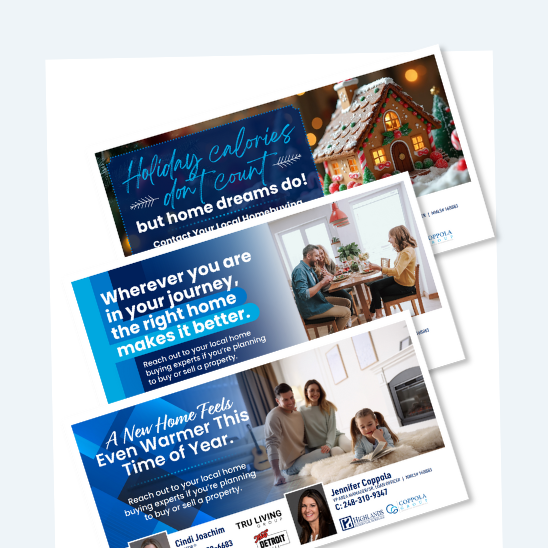
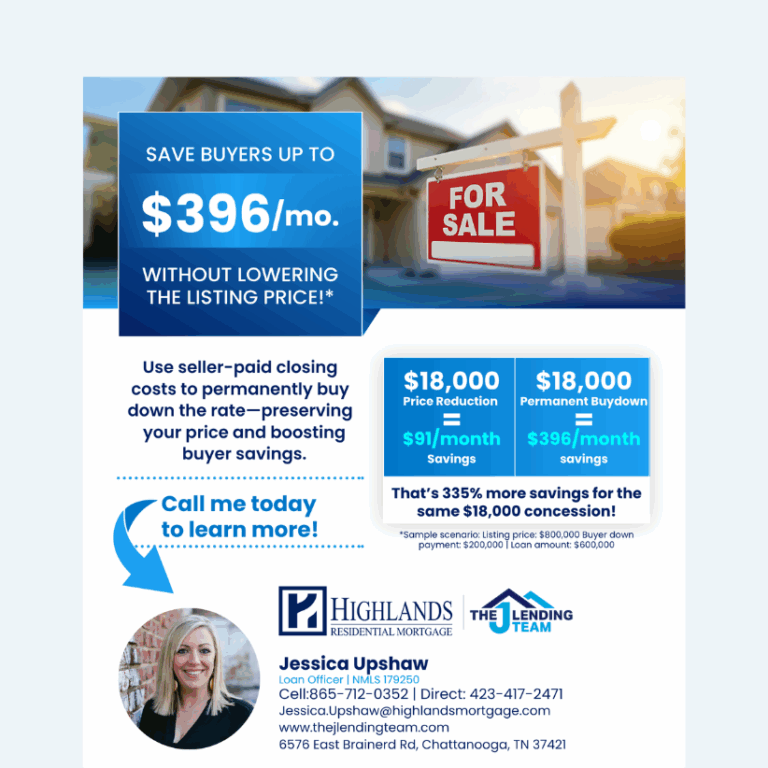
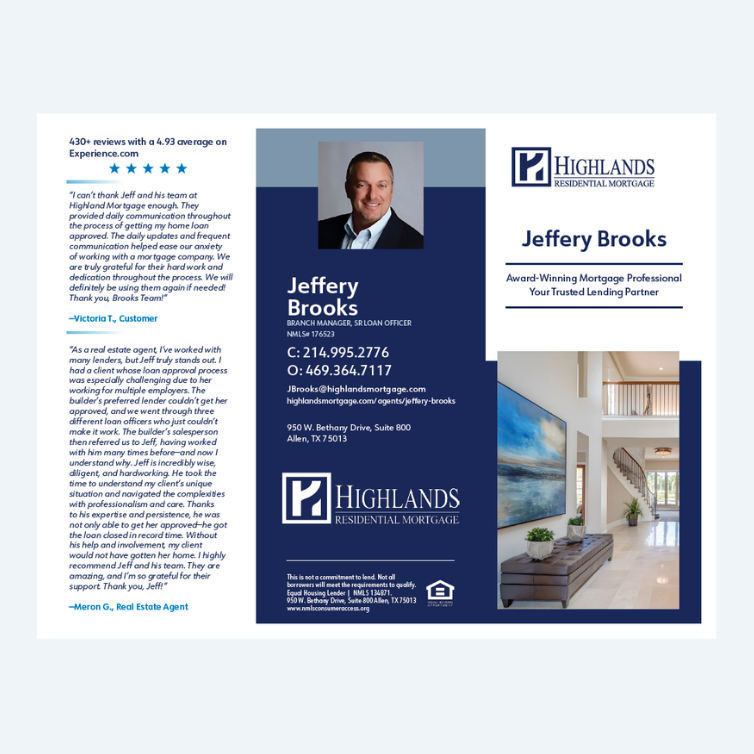
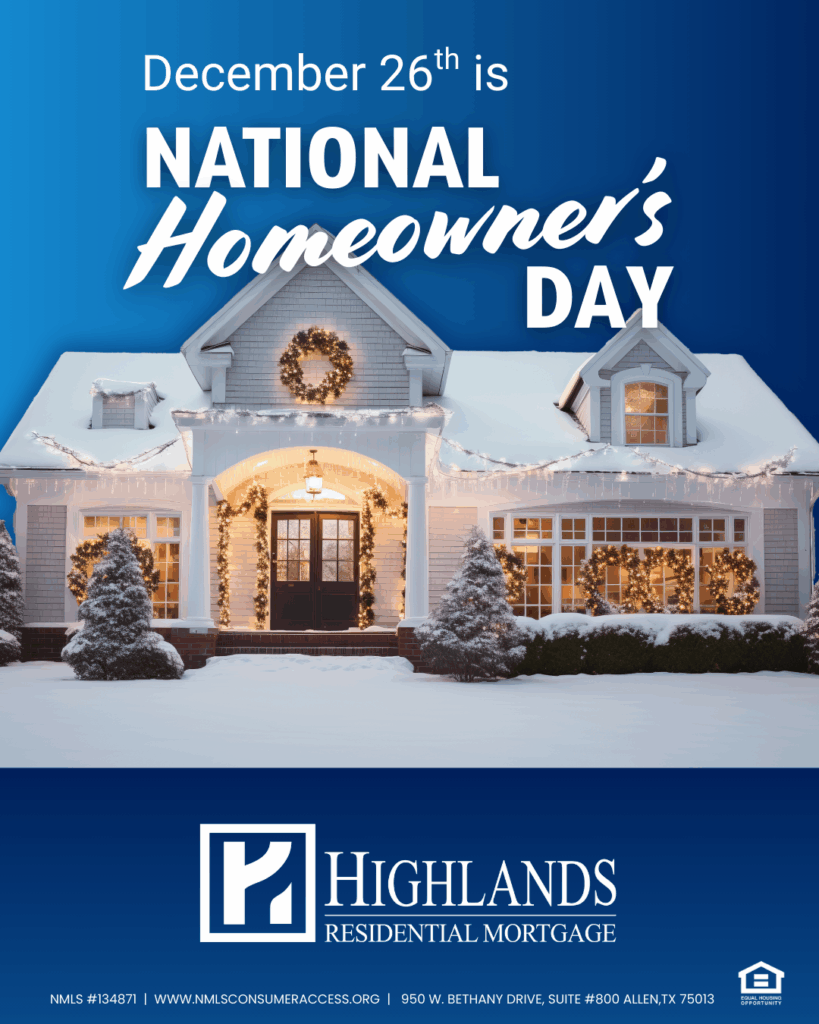
Take a look at our Top 10 most requested items! Click the image to access, or reach out to [email protected] for assistance.
OTC Booklet
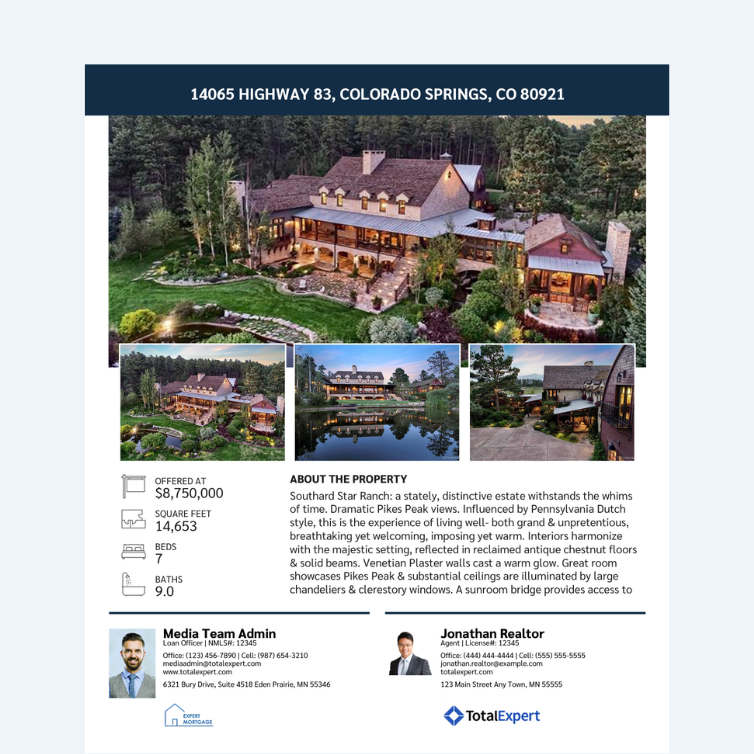
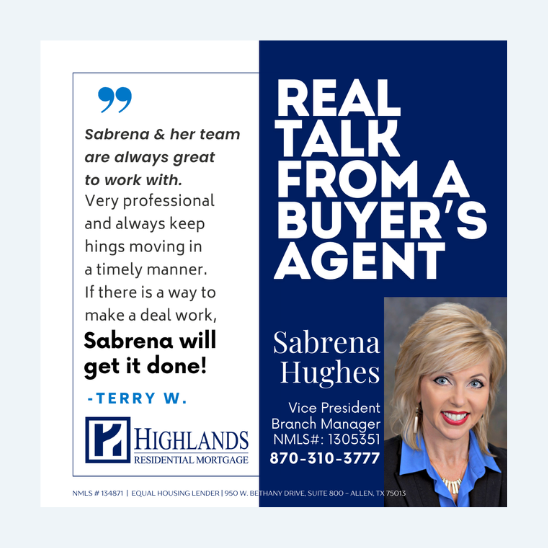
MLS Integrated Listing Flyer
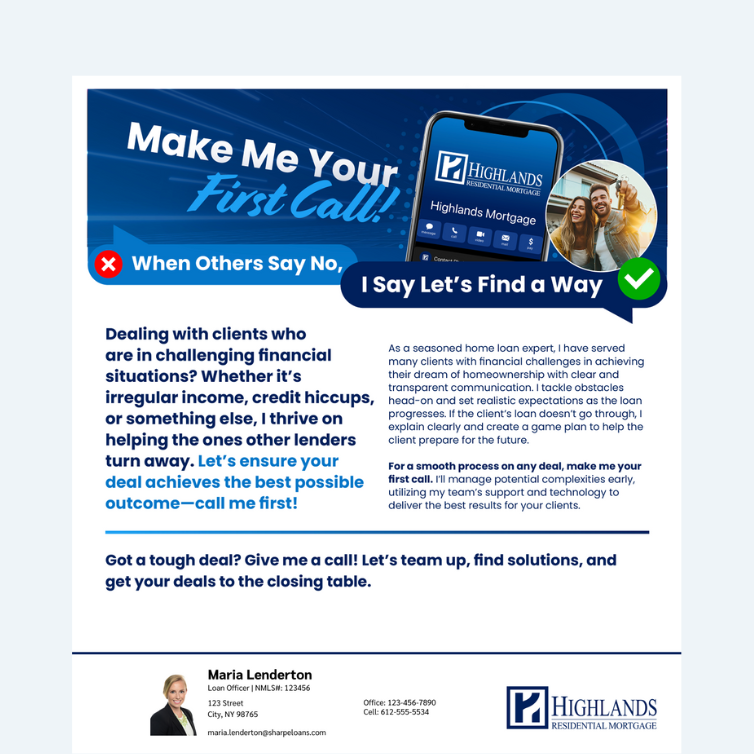
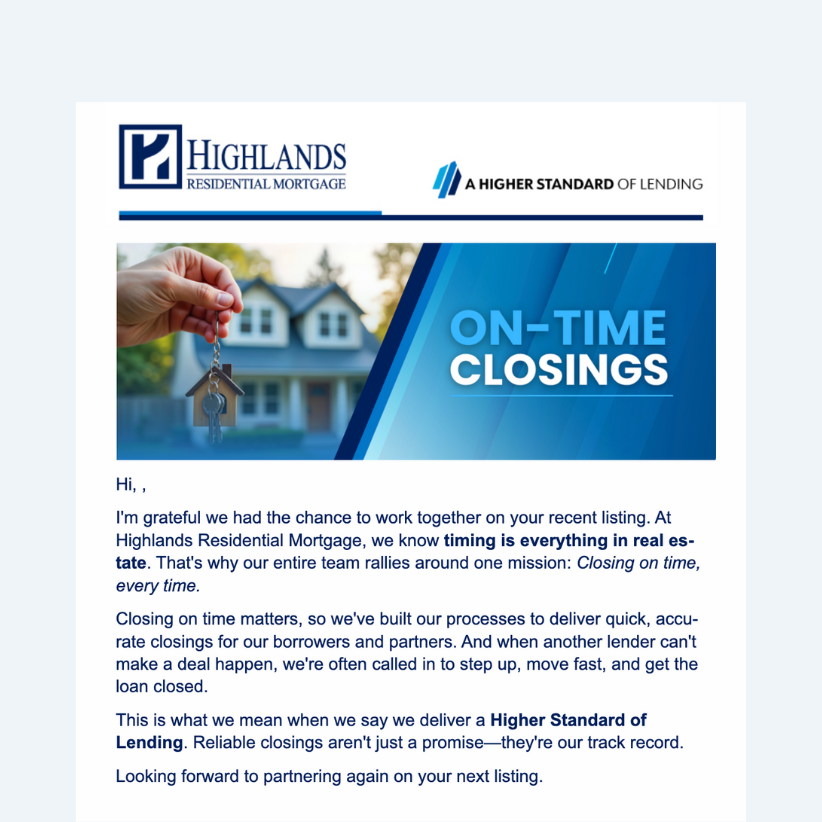
First Call Email
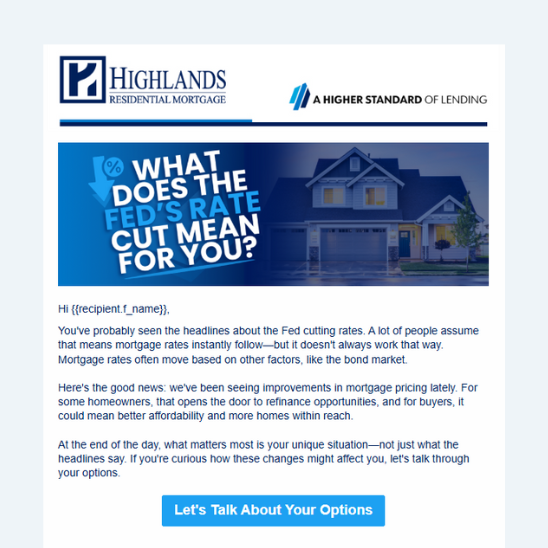
Fed’s Rate Cut Email
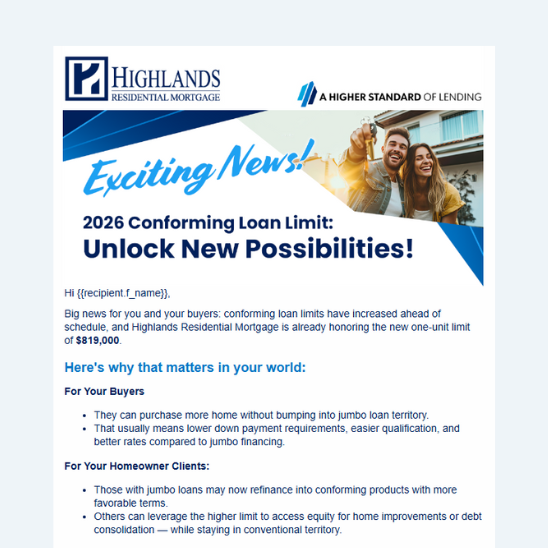
Conforming Limits Email
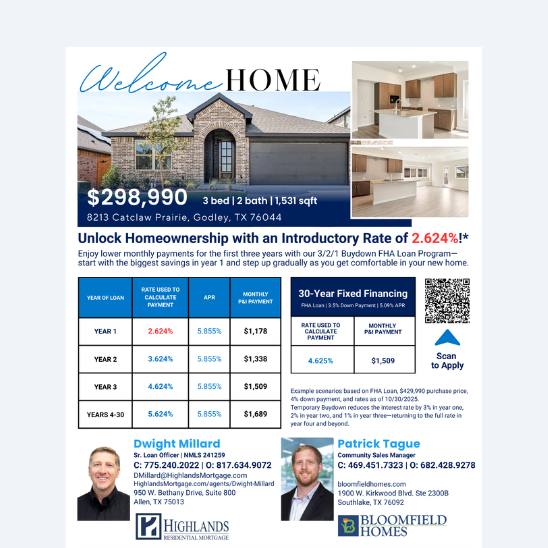
Buydown Property Flyers
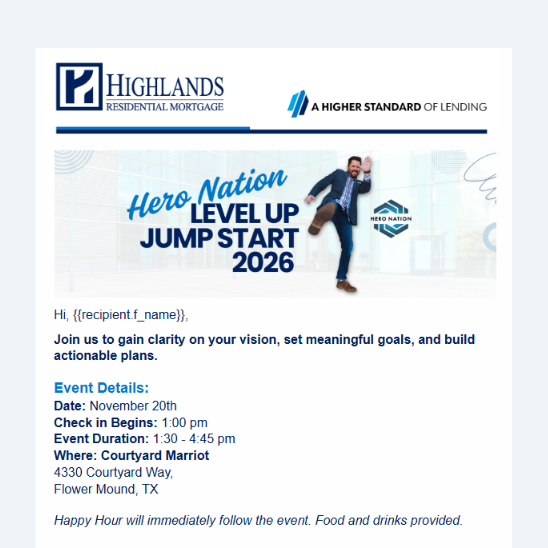
Event Emails
MLS Integrated Listing Flyer
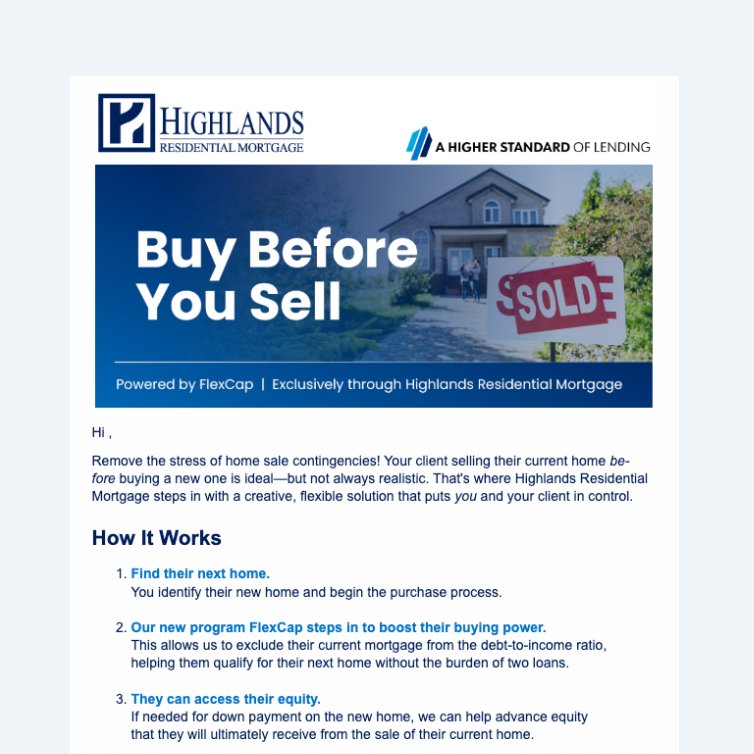
Buy Before You Sell Email
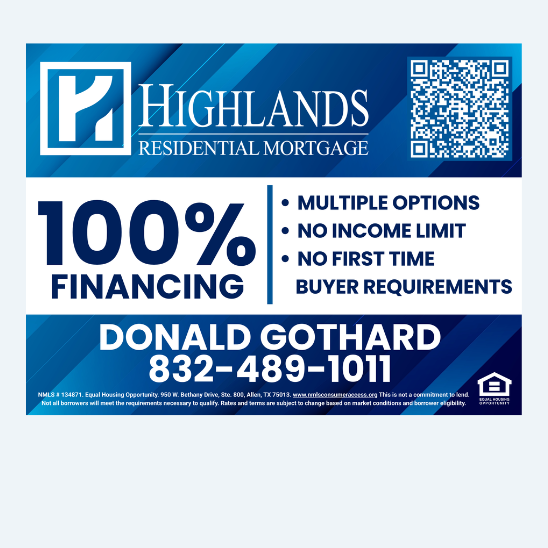
Yard Signs
Total Expert Email Content
As we close out the year, we’re spotlighting some of the most impactful Total Expert Journeys updated or launched in 2025. These automated and semi-automated email series help you stay consistent, timely, and top-of-mind with messaging that feels personal and purposeful—without adding to your workload.
Submit this form to activate any of the Journeys below. If you’d like to explore additional Journey options, please reach out to Marketing.
Listing Agent Journey
(Automated)
Built to nurture relationships with listing agents on your funded loans. Messaging reinforces partnership, collaboration, and results. Agents are added at closing (one-time entry).
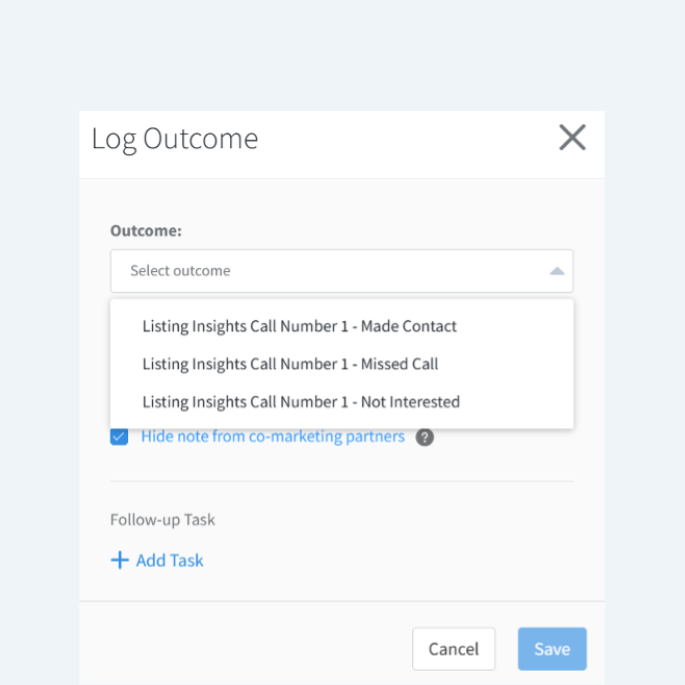
Reconnect at the right moment when a past client lists their home. Outreach feels natural, timely, and intentional (sends only once an Outcome is selected in Total Expert).
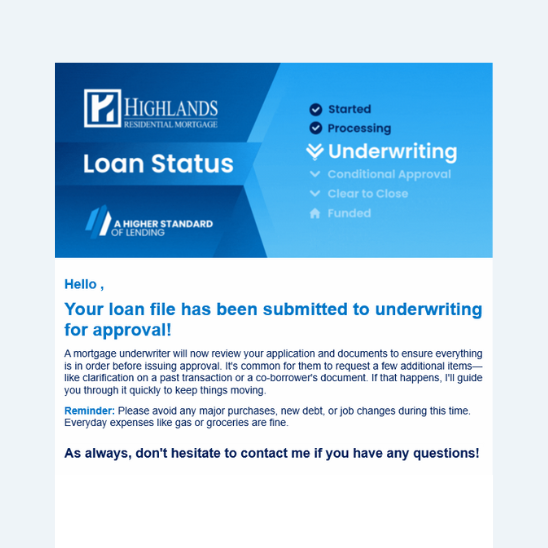
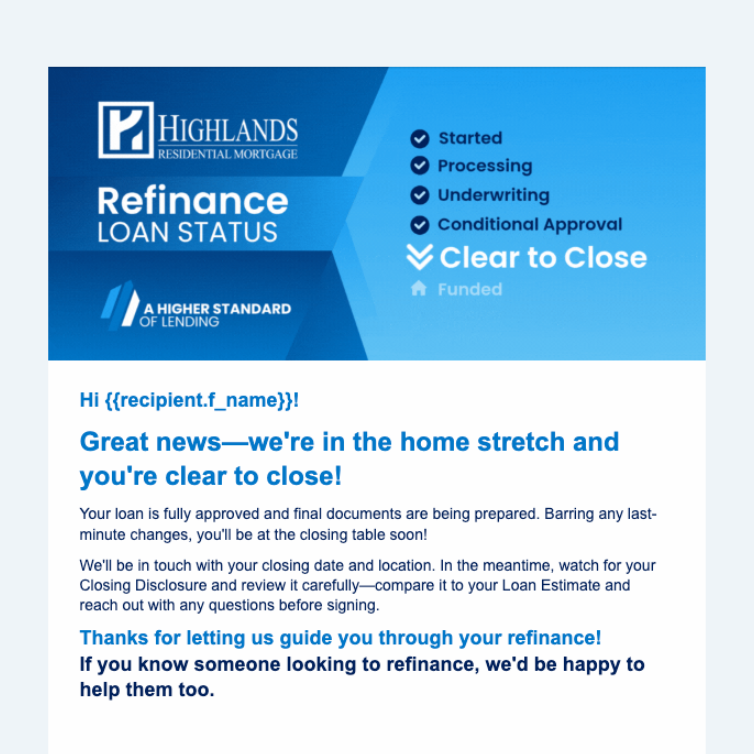
A loan progress experience borrowers actually appreciate. These updates set expectations, reduce uncertainty, and streamline communication from application to closing.
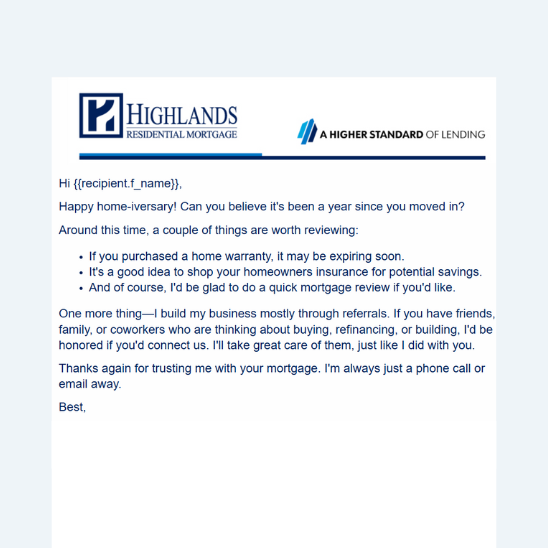
Meaningful touchpoints designed to deliver value, strengthen relationships, and keep you top-of-mind for repeat business and referrals long after closing.
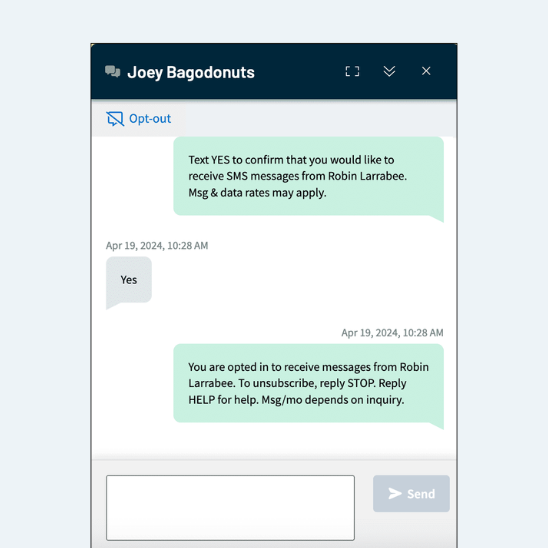
The newest Total Expert trainings are ready to watch! Boost client engagement with SMS messaging and learn how to track opportunities and send rate quotes directly from your pipeline.
TE Academy (Day 7): Engage SMS
Pipeline Views and Rate Quote Email Training
Most-Used Loan Officer Marketing in 2025
Some marketing assets got used a lot this year—because they work! These were the most requested, most customized, and most shared marketing pieces in 2025. A quick reminder: every piece of marketing content can be tailored to you, your market, and your goals!
A Smart Approach to Lower Mortgage Rates Email Template
With rate conversations happening daily, this email helps borrowers slow down, evaluate true savings, and approach refinancing strategically. It builds credibility, creates trust, and opens the door for deeper conversation any time the market shifts.
Seasonal touches, program highlights, listings, database engagement – postcards continue to be one of the most effective, tangible ways to stay top-of-mind.
A simple, visual breakdown showing how seller concessions can be applied to a permanent rate buydown vs. a temporary one, protecting listing value while creating long-term savings for buyers. Available in general format or customized to a specific property scenario.
A clean, modern, scroll-stopping video format built for social, email, or co-marketing with agents. Quick to brand, easy to share, and built to perform.
Rate Quote Emails and Pipeline Views Now Available in Total Expert
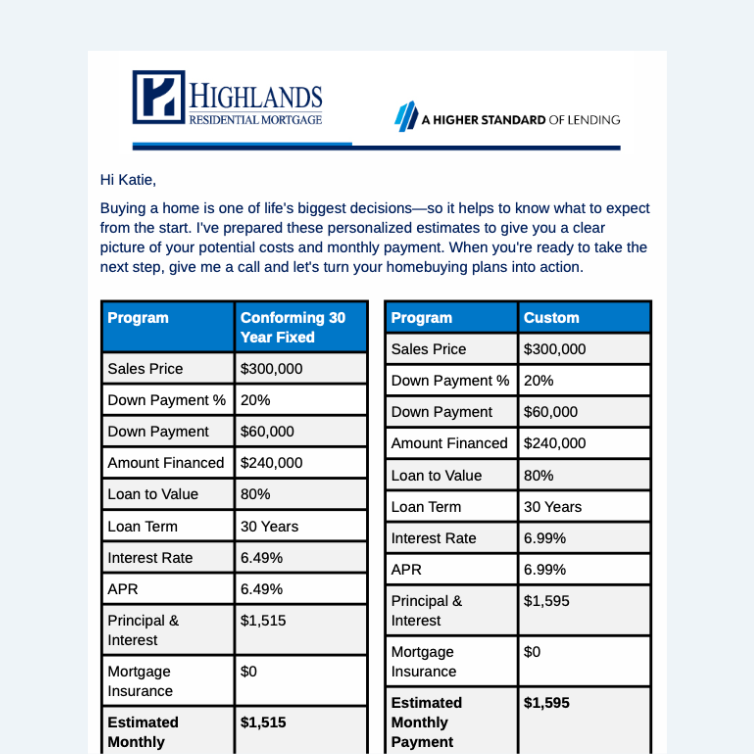
Send polished, client-ready rate quote emails straight from Total Expert—and organize your Pipeline View in a way that actually works for you. Simpler workflow. Better visibility. Fewer workarounds.
Can Marketing manage my Google Business Profile (formerly Google My Business)?
Not directly, but we can help. While we don’t manage profiles for loan officers, we can provide setup steps, optimization tips, and best practices to help you get the most out of yours.
Where can I find monthly social media posts in Total Expert?
Log in to Total Expert > Web Marketing > Social Media, then select Social Media Graphics from the menu below the search bar. On the right, click Folders > Current Monthly Social.
Quick, bite-size videos (think Reels, TikTok, YouTube Shorts) continue to dominate. And the best part? You don’t need fancy equipment to look polished. A few small setup tweaks go a long way.
1. Camera Position
Keep the camera at eye level
Center yourself, leave the small space above your head.
Use the back camera if possible (front works too in a pinch)
2. Lighting
Face a window whenever possible
Avoid harsh overhead lights
Filming at night? Try a ring light or softbox (we like this one)
3. Background
Keep it clean and uncluttered
Add 1-2 intentional items if you want (plant, books, art)